
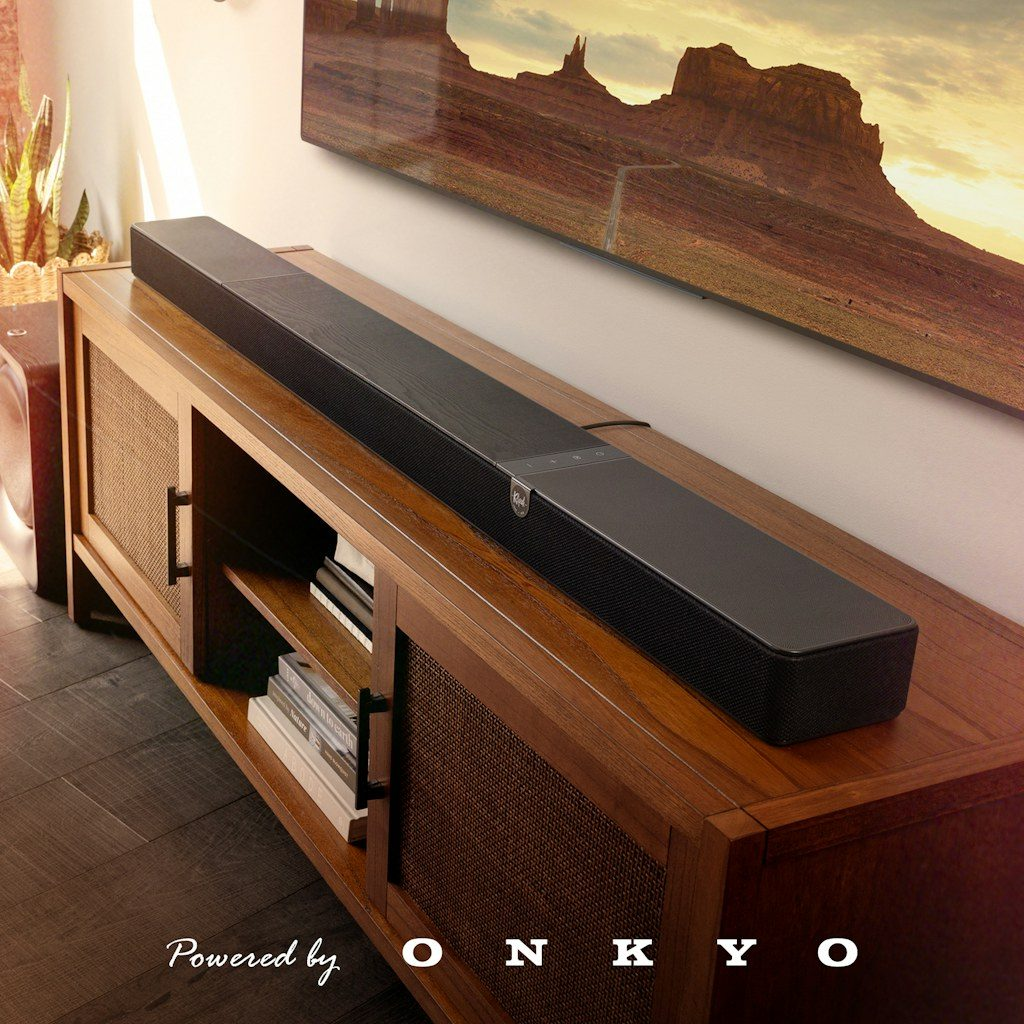
Klipsch Flexus CORE 300 is a premium 5.1.2 Dolby Atmos soundbar with Dirac Live room correction and 13 drivers — but its smart home integration is practically nonexistent. The official Klipsch Connect Plus app works for initial setup, then becomes useless for daily automation. I reverse-engineered the soundbar’s local HTTP API and built an open-source Home Assistant integration that gives you full local control — no cloud, no delays, no app dependency.
- Why Klipsch Flexus Needed a Home Assistant Integration
- What the Klipsch Flexus Integration Controls
- How the Local API Works
- Auto-Discovery via mDNS
- Installation: HACS or Manual
- Supported Klipsch Flexus Models
- Security Considerations
- Frequently Asked Questions
- Does this work without the Klipsch Connect Plus app?
- Can I use voice assistants to control the soundbar?
- Does it work when the soundbar is in standby?
- Is this integration available in HACS?
Why Klipsch Flexus Needed a Home Assistant Integration
Smart soundbars in 2026 should integrate with your smart home — but Klipsch ships the Flexus CORE 300 without any Home Assistant support, no MQTT, no public API documentation. You get the Klipsch Connect Plus app for phone control and… that’s it. No automations, no voice control integration, no dashboard widgets. For a $1,500 soundbar with Dolby Atmos and Dirac Live, that’s unacceptable. The Klipsch Flexus Home Assistant integration I built changes this: 20 entities, auto-discovery, 7 languages, full media player controls — all running locally on your network.
What the Klipsch Flexus Integration Controls
The integration exposes 20 entities through Home Assistant’s native media player platform:
- Media player: Volume (set/step/mute), power on/standby, input source (TV ARC, HDMI, SPDIF, Bluetooth, Google Cast), sound mode (Movie, Music, Game, Sport, Night, Direct, Surround, Stereo), playback controls (play/pause, next/previous), media info (title, artist, album, artwork)
- Audio tuning: EQ presets (Flat, Bass, Rock, Vocal), Night Mode, Dialog Mode (3 levels), Dirac Live room correction filter
- Channel levels: Front Height, Back Height, Side L/R, Back L/R, Subwoofer 1/2, Bass/Mid/Treble — 11 independent number entities
- Diagnostics: API response time, device status (On/Standby/Offline), active input, active sound mode, request/failure counters
How the Local API Works
The Klipsch Flexus runs a local HTTP server on port 80 with three endpoints:
GET /api/getData— read any parameter (volume, input, mode, EQ)GET /api/setData— write parameters (change volume, switch input)GET /api/getRows— list structured data like Dirac calibration filters
The critical engineering challenge: the soundbar has a single-threaded HTTP server. Send two requests simultaneously and one will timeout. My integration handles this with request serialization via asyncio.Lock, retry with backoff, adaptive timeouts (8s reads, 10s writes, 15s power commands), and optimistic UI updates verified by delayed polling. This is the same automation engineering approach I use in enterprise systems — design for the hardware’s actual behavior, not the spec sheet.
Auto-Discovery via mDNS
The integration automatically discovers Klipsch Flexus soundbars on your network via Zeroconf/mDNS. The soundbar announces itself as Flexus-Core-* through the _googlecast._tcp service. The integration identifies the device from md (model) and fn (friendly name) TXT records, filtering out AirCast proxy devices automatically. Power on your soundbar, and Home Assistant shows a notification: «Klipsch Flexus CORE 300 found. Add this soundbar?»
Installation: HACS or Manual
- HACS (recommended): Open HACS → Integrations → search «Klipsch Flexus» → Install → Restart HA
- Manual: Copy
custom_components/klipsch_flexus/to your HA config directory → Restart HA - Configure: Auto-discovered, or manually add via Settings → Devices & Services → Add Integration
Requirements: Home Assistant 2024.4.0+, soundbar on same network segment. Assign a static IP or DHCP reservation for reliable operation.
Supported Klipsch Flexus Models
- Flexus CORE 300: 5.1.2 channels, Dirac Live, Dolby Atmos, 13 drivers — fully supported
- Flexus CORE 200: 3.1.2 channels, Dolby Atmos up-firing — supported
- Flexus CORE 100: 2.1 channels, Virtual Dolby Atmos — supported
All models share the same local HTTP API. Feature availability depends on hardware (e.g., Dirac Live only on CORE 300). The integration auto-discovers available features from each device.
Security Considerations
With 6 patents in information security, I published a full Security Assessment Report for the soundbar. Key finding: the Klipsch Flexus communicates over HTTP without authentication on port 80. Anyone on your network can control it. My recommendation: isolate IoT devices on a separate VLAN. This is standard IoT security practice I implement for all consulting clients.
The integration itself is fully open source on GitHub with CI/CD validation, HACS compliance checks, and CodeQL security scanning.
Need help with smart home architecture or IoT security? Book a free consultation →
Frequently Asked Questions
Does this work without the Klipsch Connect Plus app?
For ongoing control — yes, completely. But initial setup (Wi-Fi, firmware updates, speaker pairing, Dirac calibration) still requires the official app. After that, the Home Assistant integration handles everything.
Can I use voice assistants to control the soundbar?
Yes. Once the integration creates a media player entity in Home Assistant, you can control it through any HA-connected voice assistant — Google Home, Alexa, Siri (via HomeKit Bridge). «Hey Google, set soundbar volume to 40%.»
Does it work when the soundbar is in standby?
Yes. The integration uses standby-aware polling: probes power state first, then only sends 1 request instead of 20+. Cached values are preserved. You can send a power-on command from HA to wake the soundbar.
Is this integration available in HACS?
Yes. Search «Klipsch Flexus» in HACS Integrations. Fully HACS-compliant with hassfest validation, translated in 7 languages.